Categories
Client Projects Featured

Strain Connect

Hi Guys, 

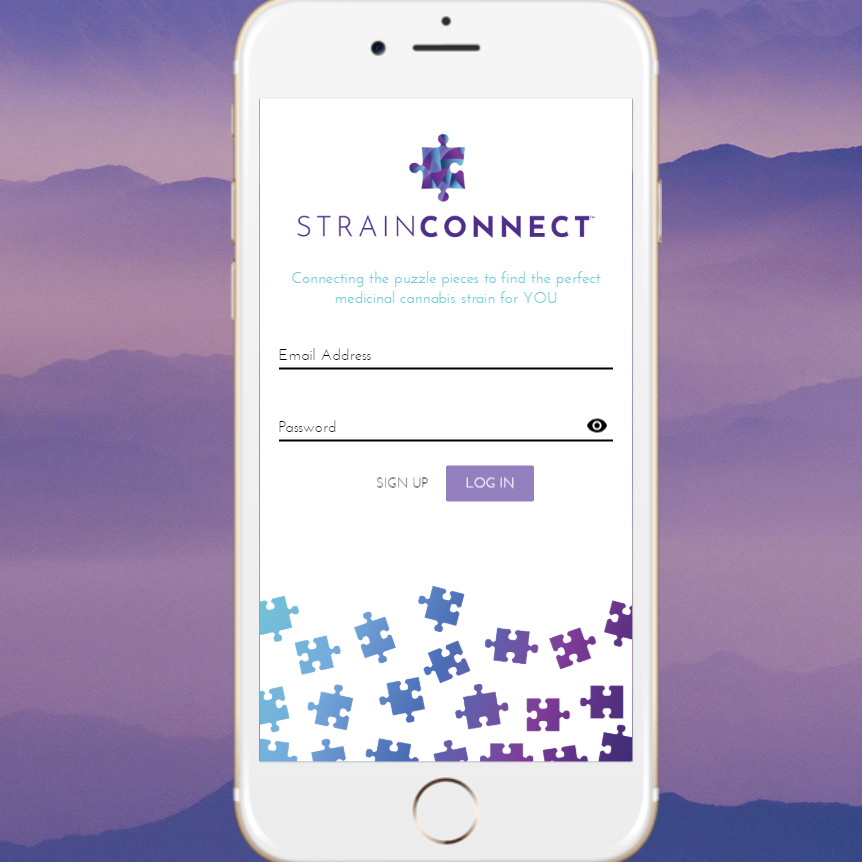
Today I’m going to be demoing an old screencap of an applicable prototype for a startup called Stain Connect. Strain Connect was a cannabis recommendation engine for branded, lab-tested cannabis products. Let’s check it out.

(filling out login)

I built this with View and View X. Nowadays I’m a React guy and I probably wouldn’t go back to View, especially with View X. I really don’t like that state management. There are some good things about it, but there are also a lot of gotchas that you avoid in React and Redux. 

(cursor hovers over features as he explains)

So, as you can see there’s a couple of user-submitted choices here. The App revolves around 3 data points. Those three data points are then mapped to a Cartesian coordinate system that’s in 3D, along three axes, and then based on that it’s able to recommend products, kind of your standard data modeling recommendation engine. As you can see here are some products. 

(showing Admin Dashboard)

Part of the clickable prototype was the admin dashboard, where you could enter the products with the lab data, sorted by brand and then you as well could have a user dashboard. You will see near the end there, there were no users in this video, but you were still able to edit them. 

Something like this is really helpful for startups or people just developing concepts. Sometimes it’s a lot easier to spend $1000 to $1500 bucks and build out an idea and then iterate upon it for your business, rather than spending $5000 or $10,000 and then realizing, later on, that “Oh, this really wasn’t that great an idea”.  Sometimes those “iterable” prototypes are really helpful and I do recommend if you are a startup, creating one of those vs. just relying solely on a pitch deck is very helpful. This was a progressive web app to potential investors who could put it on their phones as well.
Categories
Client Projects

News Poll

Hi Guys, 

Today I’m going to be talking about News Poll. Which was a polling question software we ended up building for a client by the name of Lemuel Lewis. He had a third party solution going on, but he wanted his own because sometimes the original would go down. 

He had this whole conglomerate of websites, literally hundreds and hundreds of websites, of which he was generating a bit of revenue on each from advertising. So this was one of the kinds of gimmicks that would generate people to come vote. It was a thing that he would integrate into a lot of these websites. So there was a client-side script and an admin panel. There were six requirements in this project. 

  1. Create new poll-in questions with an admin panel. 
  2. Each one needs its own unique color.
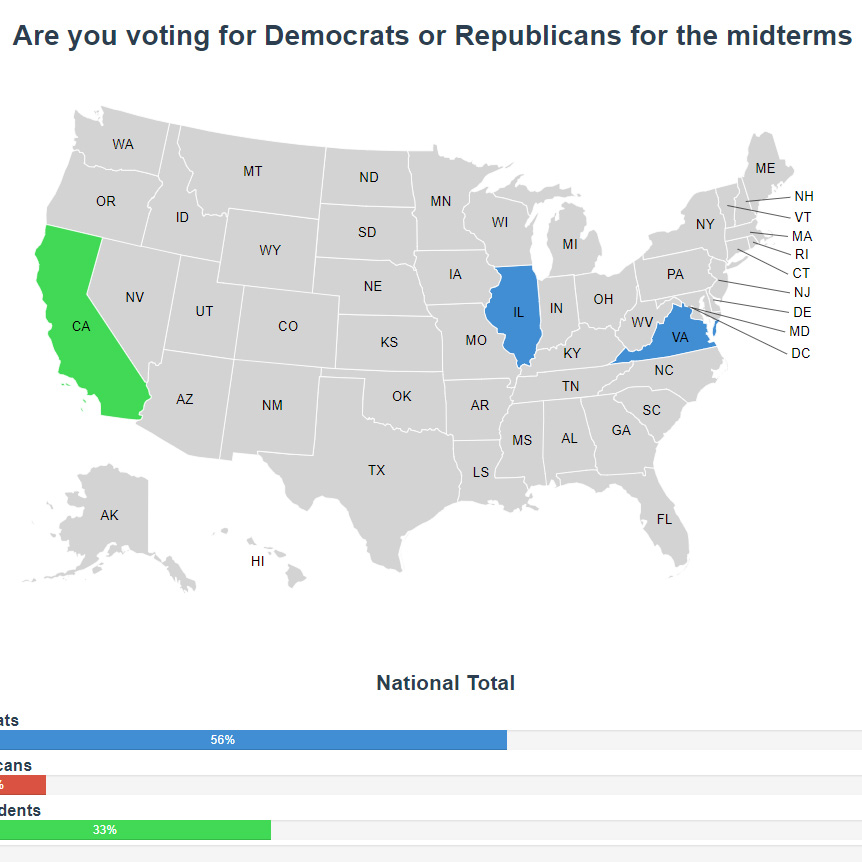
  3. You’d have to see the results nationwide while hovering on a state. 
  4. Allowing a client-side script that would be deploy-able on hundreds of other websites.
  5. Preventing users from submitting multiple votes.
  6. Allow for pulling of old news poll data, like CSV. 

So let’s check out the video. 

(starts filling in fields)

Okay, so this is the basic admin panel that we put in here. When you click through here you’ll be able to see. 

(clicks through to a map of the United States)

Yeah, so what we’ve gone and done is we have the visual representation of what a person would see on the website after they vote. So it’s an exact duplicate except the client-side script doesn’t use UX. So that one is just straight Javascript, and then this has an actual framework, but I like this because there is 2-way data binding, as you can see. 

(enters question into field)

So if you put that question in and save it, it will update, and then because of how the client-side scripts are fashioned it will update across every single script. 

(highlights the styles)

The styles are injected with a function vs. including them. So you won’t have to actually upload another file to all these websites. As you can see, you just save tee poll question 

(switches to CSV data box)

and then there is also going to the CSV data, where you can pull up old votes and just copy them out.

(hit accept)

Just like that. 

(switches to client-side view in another browser window)

Okay so if you jump over here is the client-side view. Then there is when you click through. That’s the old question and you refresh, 

(refreshes screen)

and then you can see that’s it’s updated with the new question that we just saved. And if you refresh on this one you will see the new result here. 

(new results appear with refresh)

So, let’s see if we refresh because you just voted… and there you go. When we deploy this onto the servers you click through and it changes. I’ve just set this up for demonstration purposes so you can see. But yeah, it was a fun project. It’s always great to have more experience in D3 and a little more experience in View, so if you need infographic or any sort of data visualization for you business we can solve that problem very well for you. Thank you. Bye.